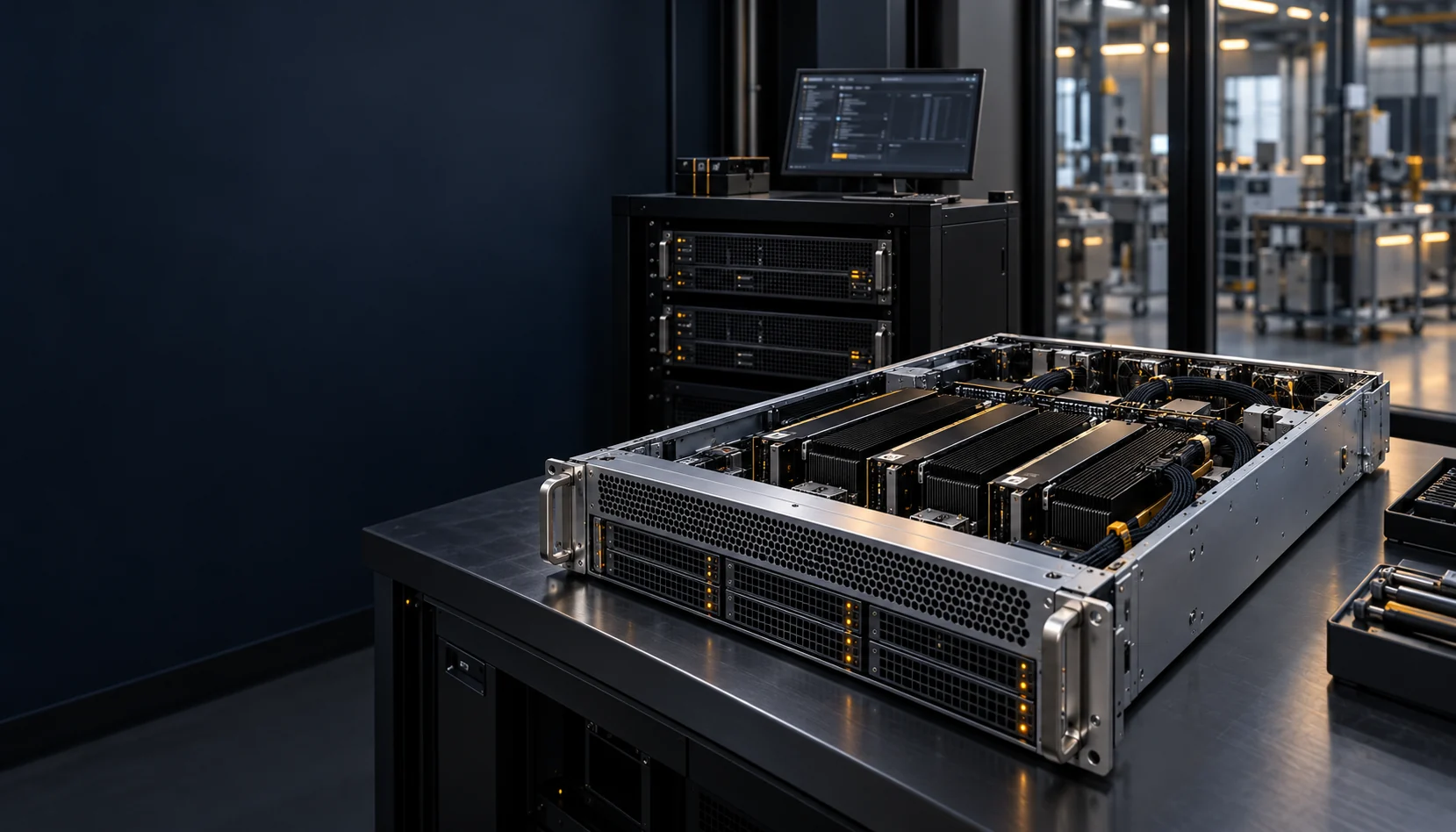
Project 03 / On-premises GPU cloud
GPU as
a service.
For a $2B edge-AI company.
The project
From accelerator hardware
to a usable service.
- Client
- A $2B edge-AI company
- Our work
- GPU as a service
- Environment
- On-premises: the client’s own GPU data centre
- Technology
- NVIDIA H100, A100 and L40S · GPU Operator · MIG · DCGM
- Across the stack
- Infrastructure
The service model
Make compute available
to AI workloads.
GPU as a service provides a platform between accelerator capacity and the applications that use it.
Engineering spotlight / NVIDIA GPUs
From GPU servers
to self-service compute.
A multi-tenant GPU platform on Kubernetes. Teams request GPUs through an API or console, receive an isolated share of the fleet and are metered for what they use.
NVIDIA GPUs
H100, A100 and L40S on 60 servers, under one control plane.
Tenant teams
Each in its own namespace, with quotas and single sign-on.
Average GPU utilisation
Within two quarters, as MIG and time-slicing filled idle capacity.
From request to running GPU
Through the API or console, replacing a ticket queue measured in days.
Isolated instances per GPU
MIG splits each A100 and H100 into as many as seven hardware-isolated slices.
Workloads cut off by upgrades
GPU nodes are drained before every driver and operator upgrade.
Client details are anonymised.
The challenge
Expensive hardware.
Many teams.
GPU capacity had to be shared safely between teams, and between workloads of very different sizes.
Right-sized GPUs.
Small experiments and large jobs on the same fleet.
Tenants kept apart.
One team’s workload must not see or slow another’s.
Usage on record.
Quotas and metering, so capacity can be planned and charged back.
The operating stack
Every layer,
working together.
 Kubernetes
 NVIDIA
 Prometheus
Tenancy, scheduling and GPU partitioning on one Kubernetes platform. Observability and security run across it.
Self-service
API and console · Projects · Quotas
Tenancy
Namespaces · RBAC · Resource quotas · Network policies
Scheduling and metering
GPU-aware scheduling · Priorities · Usage per tenant
GPU enablement
NVIDIA GPU Operator · MIG · Time-slicing · DCGM
Kubernetes platform
Upstream Kubernetes · Argo CD · Container registry
Hardware
NVIDIA H100, A100 and L40S servers
The fleet
Three pools.
One control plane.
480 NVIDIA GPUs on 60 servers, pooled by the way each workload uses a GPU.
Whole H100s.
128 GPUs on NVLink, allocated whole for training and fine-tuning.
A100s with MIG.
224 GPUs, split into hardware-isolated instances for inference and evaluation.
L40S, time-sliced.
128 GPUs, shared between notebooks and experiments that tolerate contention.
Observability
DCGM · Prometheus · Grafana
GPU utilisation, memory and health, per node and per tenant.
Tested alert rules, with a runbook for each alert group.
Security
SSO/OIDC · RBAC · Network policies · Signed images
Every tenant works inside its own namespace, with access granted through single sign-on.
Request to release
Every GPU request follows
the same path.
From a request in the console to capacity returned to the pool, each step is automated and recorded.
- 01
Request
API or console
- 02
Authorise
SSO and quotas
- 03
Place
GPU-aware scheduler
- 04
Partition
MIG or time-slice
- 05
Run
Tenant workload
- 06
Observe
DCGM telemetry
- 07
Meter
Usage per tenant
- 08
Release
Capacity returned
How a GPU is shared
MIG splits supported NVIDIA GPUs into hardware-isolated instances, each with its own memory. Time-slicing shares a GPU between lighter workloads that can tolerate contention. Whole GPUs remain available for jobs that need them.
How capacity is governed
Each tenant has quotas for GPUs and GPU instances. Requests beyond quota wait or are refused, and usage is metered per tenant for planning and charge-back.
How platform upgrades roll out
Changes ship through GitOps with Argo CD and reach a staging cluster first. GPU nodes are drained before driver or operator upgrades, so running workloads are not cut off.
The outcome
One fleet.
Shared with confidence.
GPU capacity became a service teams request, rather than hardware they wait for.
GPUs on request.
Teams get GPU capacity through an API or console instead of a ticket.
Fewer idle cards.
MIG and time-slicing fit smaller workloads onto shared GPUs.
Usage you can plan from.
Per-tenant metering and DCGM telemetry show who uses what.
Bring this capability to your team
Inference & GPU platforms
Explore Infer8 and GPU-as-a-service platforms on NVIDIA and AMD.
Explore the service Discuss your project
Next project / 04